 LikeThis
Get the photo you asked for.
Pick the photo you want. LikeThis puts it over the camera as a see-through ghost. Whoever holds the phone lines up the ghost and takes the shot, with the same framing, angle, height and distance.
For iPhone and iPad with iOS 16 or later. Your first shot is free.
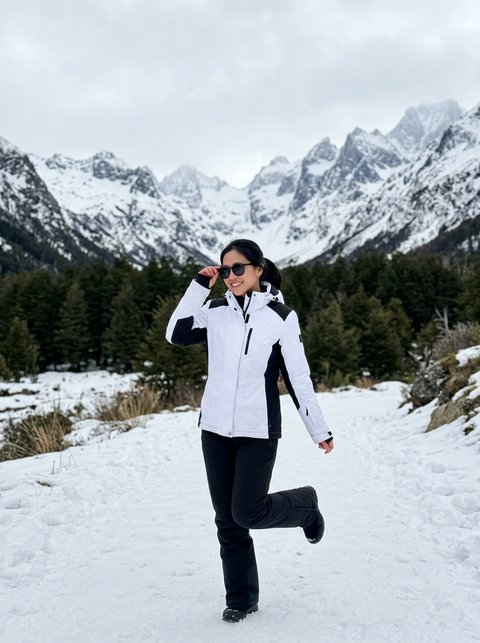
She asked for the mountains. He cut them off.
A photo is easy to look at and hard to copy. The angle, the height of the phone and the distance are hard to guess. LikeThis puts the photo she wants on his screen, so he copies it.
What I asked for 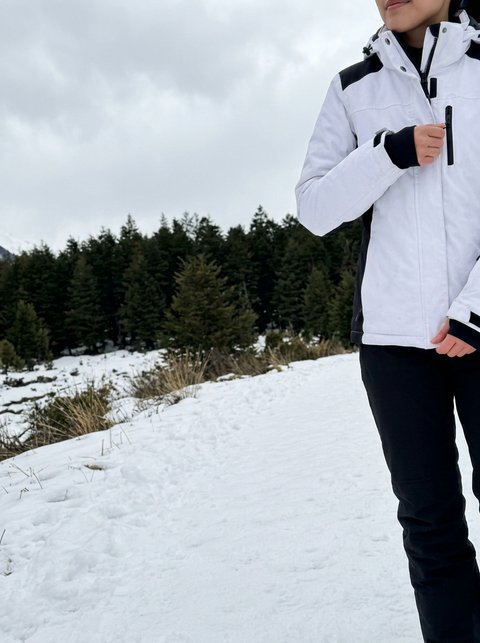
What I got 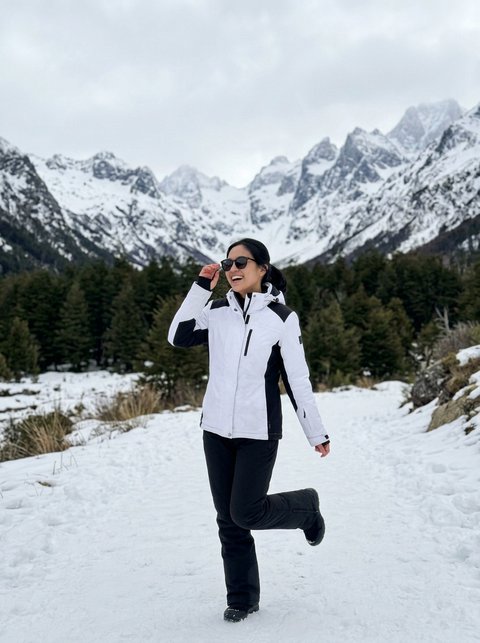
With LikeThis
The people in these example photos are AI-generated. They are illustrations, not LikeThis customers.
The same thing in the app
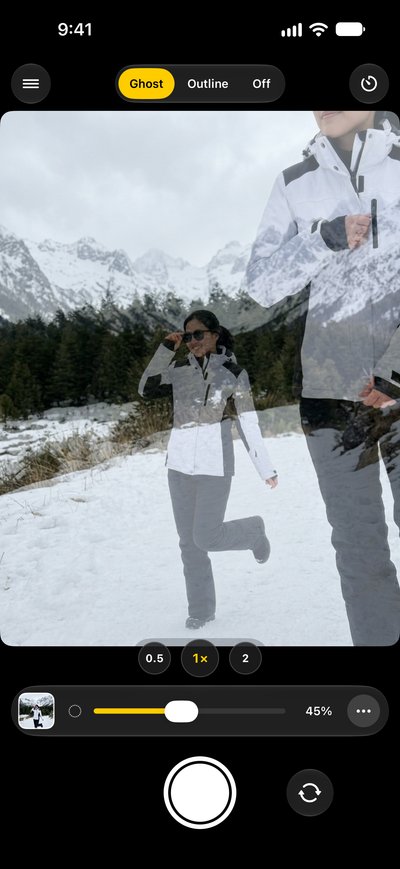
Not lined up yet 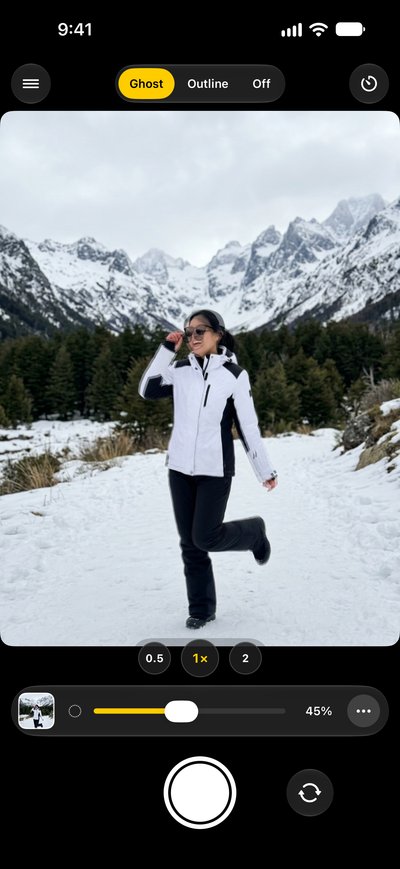
Lined up 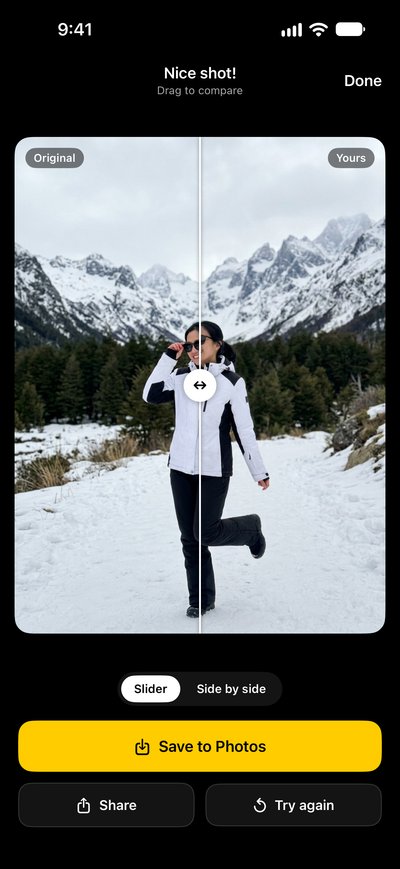
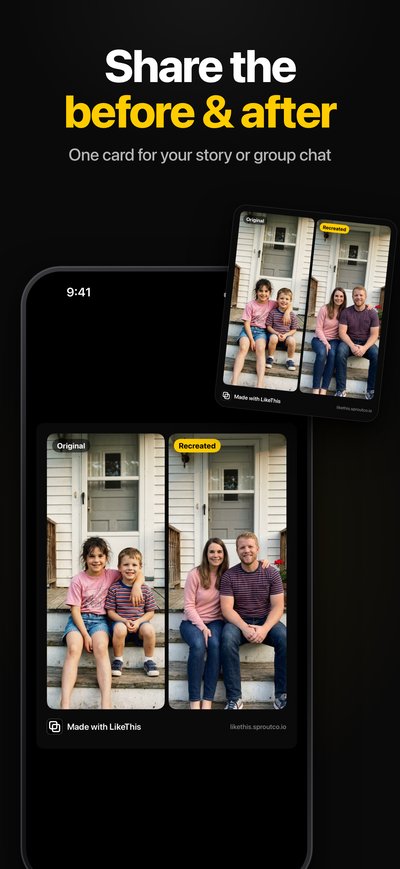
Before and after
How LikeThis works
Pick the photo
Choose a photo from your library: a Pinterest save, an Instagram screenshot, an old family photo. Or start with an idea in the app.
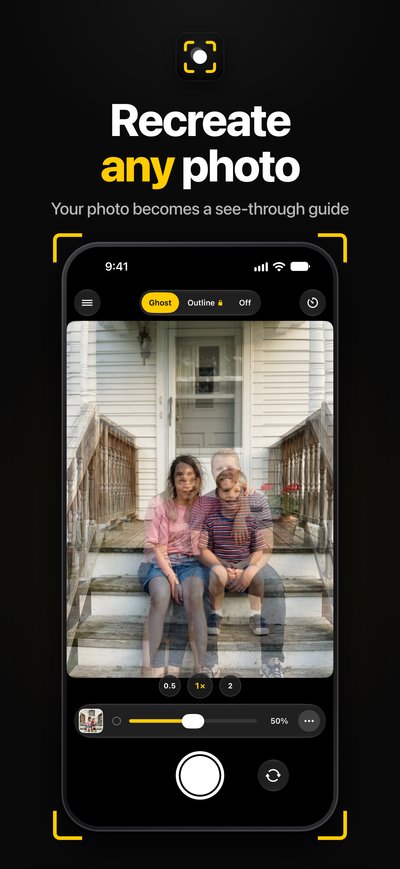
Line up the ghost
The photo appears over the live camera, see-through. Move until the people, the horizon and the edges sit on the ghost. Make the ghost faint or strong with the slider.
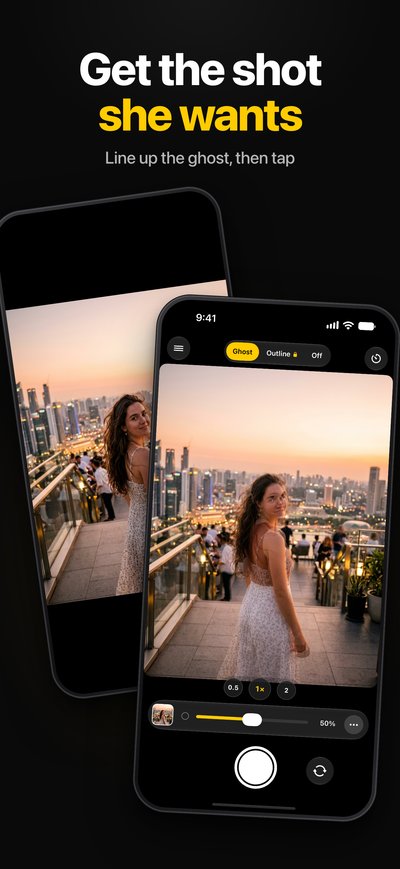
Take the shot and compare
LikeThis crops the new photo to the shape of the original. Slide between before and after, save it, or share both side by side.
What people recreate
- The photo she savedHow to get your boyfriend to take the photo you want, the first time.
- Old family photosSit on the same step, in the same order, 20 years later.
- Then and nowThe same spot, the same frame: trips, homes, bumps, babies, gardens.
- A pose and an angleCopy the framing of a travel shot or an influencer pose with your own camera.
- A Pinterest photoTurn a saved pin into a guide on the camera.
What is LikeThis?
LikeThis is an iPhone camera app that helps you recreate a photo. You pick a reference photo, and LikeThis shows it as a see-through ghost over the live camera. Whoever holds the phone lines up the scene with the ghost, so the new photo matches the framing, angle, height and distance of the original.
It is made for the person who holds the phone. You do not need to know about photography: you match what you see on the screen.
| App | LikeThis: Recreate Photos, by Sprout LLC |
|---|---|
| Works on | iPhone and iPad, iOS 16 or later |
| Price | Free download. First shot free. LikeThis Pro for unlimited shots. |
| Languages | 11, including English, Spanish and Portuguese |
| Photos | Made on your device, not uploaded. No account. |
| AI | None. You take a real photo with the real camera. |
Questions people ask
What app puts a photo over the camera so you can take it again?
LikeThis does this on iPhone. You pick a photo, and LikeThis shows it as a see-through ghost on top of the live camera. You move until the scene sits on the ghost, then take the shot. Other photo overlay camera apps exist too; see the comparison.
Is LikeThis free?
LikeThis is free to download, and your first shot is free. To keep shooting, you need LikeThis Pro: $4.99 a week or $29.99 a year, both with a 3-day free trial, or a one-time lifetime purchase. These are US prices on 2026-10-19; the App Store shows the price in your currency.
Does LikeThis use AI to change my photo?
No. LikeThis does not generate, edit or beautify photos with AI. It shows your reference photo over the real camera, and you take a real photo. It helps with four things: framing, angle, height and distance.
Does LikeThis upload my photos?
No. The ghost, the crop and the before-and-after are made on your iPhone. LikeThis does not upload your photos, and you do not need an account. Read the Privacy Policy for the details.
Is there an Android version?
No. LikeThis is for iPhone and iPad with iOS 16 or later.
Can I be in the photo myself?
Yes. Set the self-timer, put the phone down, and walk into the shot. The timer has 3 seconds, or 10 seconds with LikeThis Pro.
Next time, ask with the photo.
For iPhone and iPad with iOS 16 or later. Your first shot is free.